We use cookies, which are small text files, to improve your experience on our website and to show you personalized content. You can allow all or manage them individually.
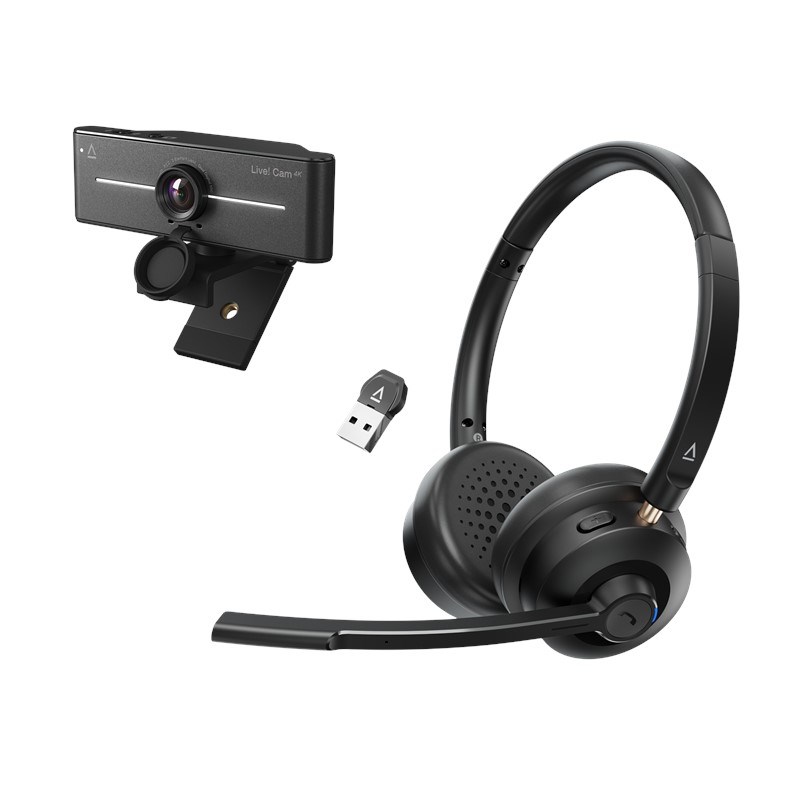
Creative Live! Cam 4K + Creative Chat Wireless Bundle
Features

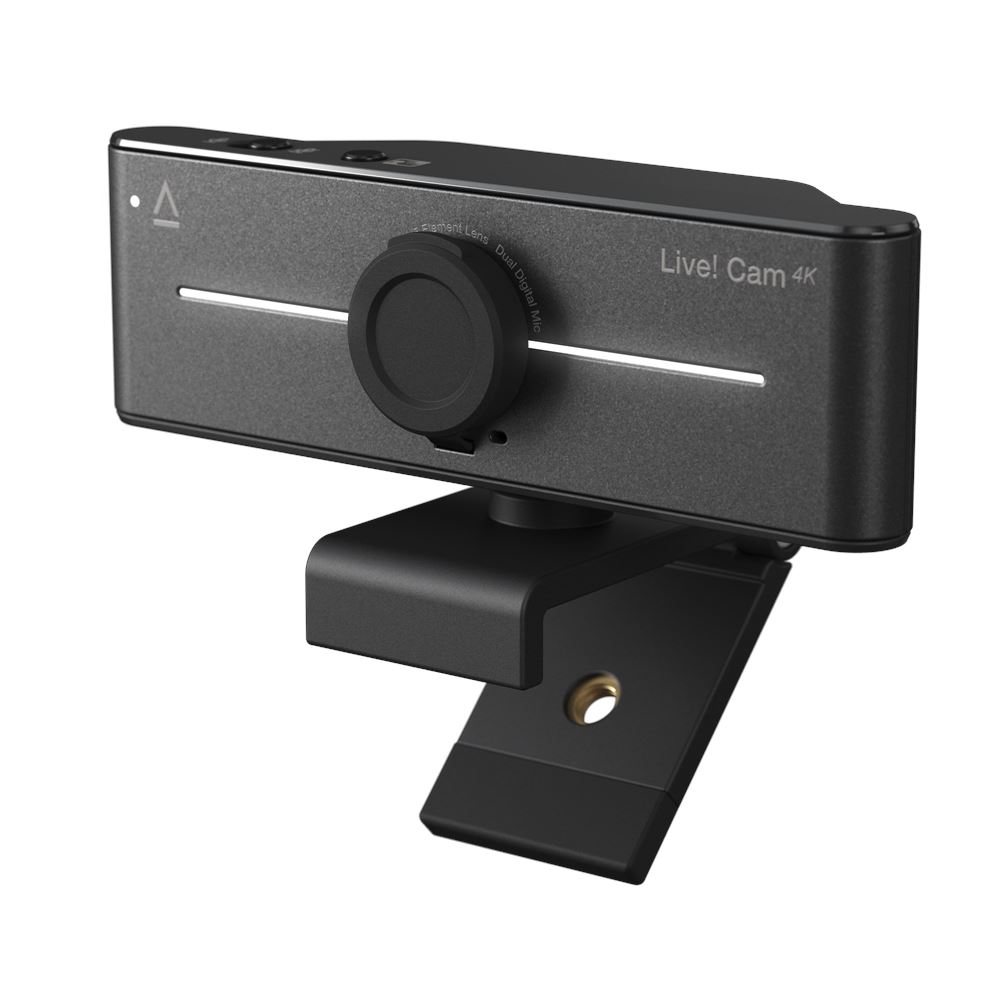
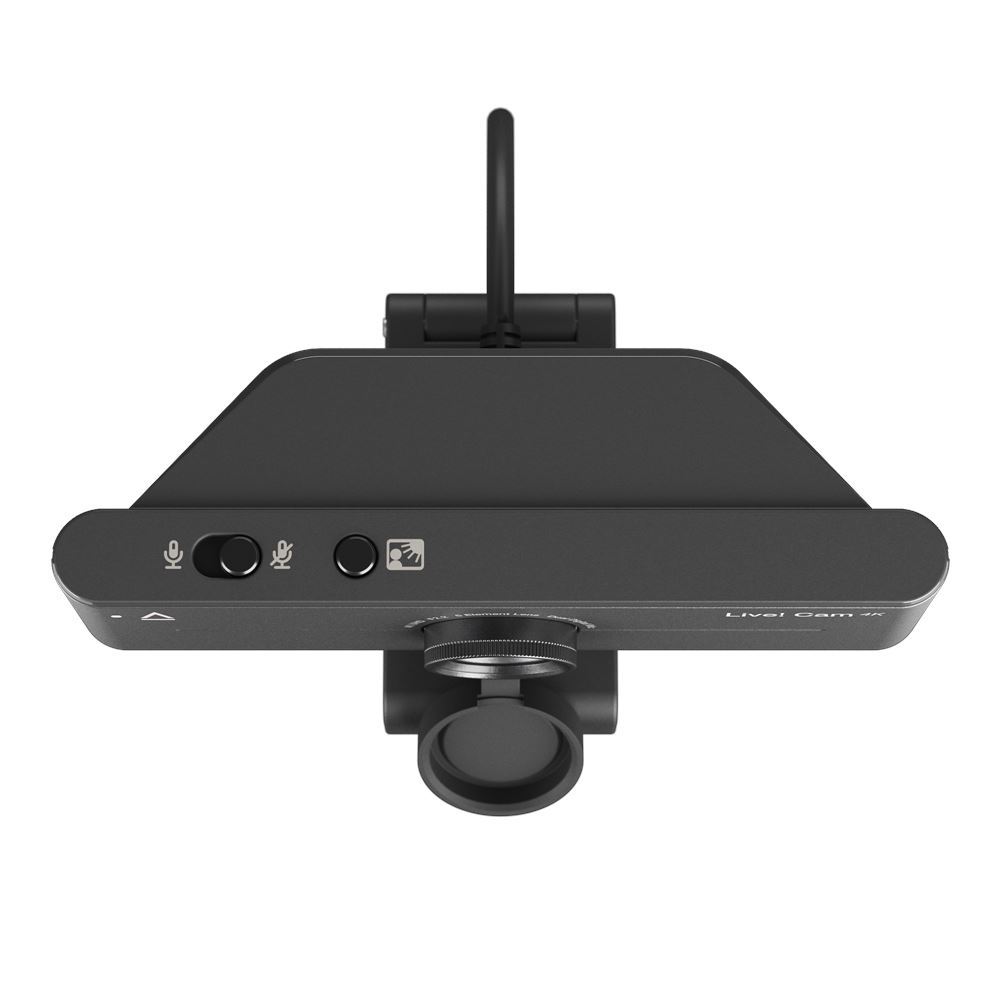

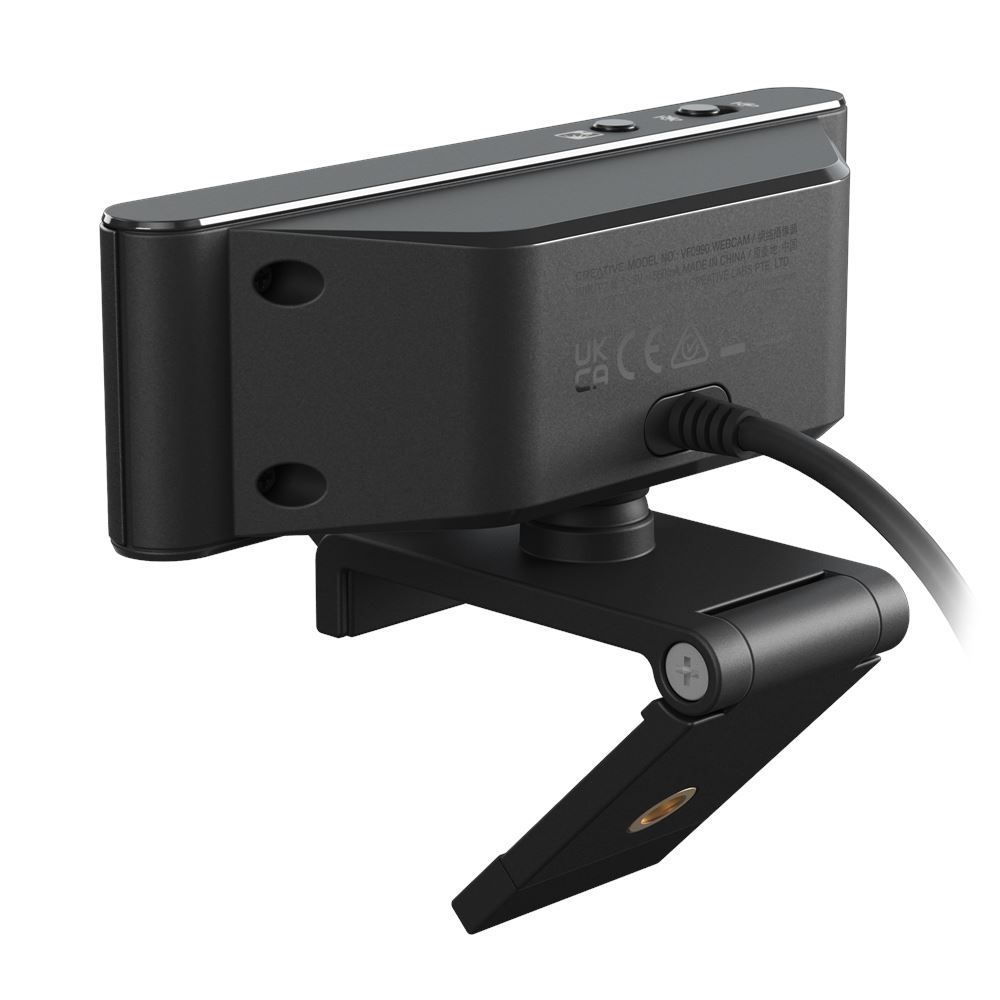

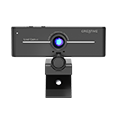
Live! Cam 4K
4K UHD Webcam with Backlight Compensation
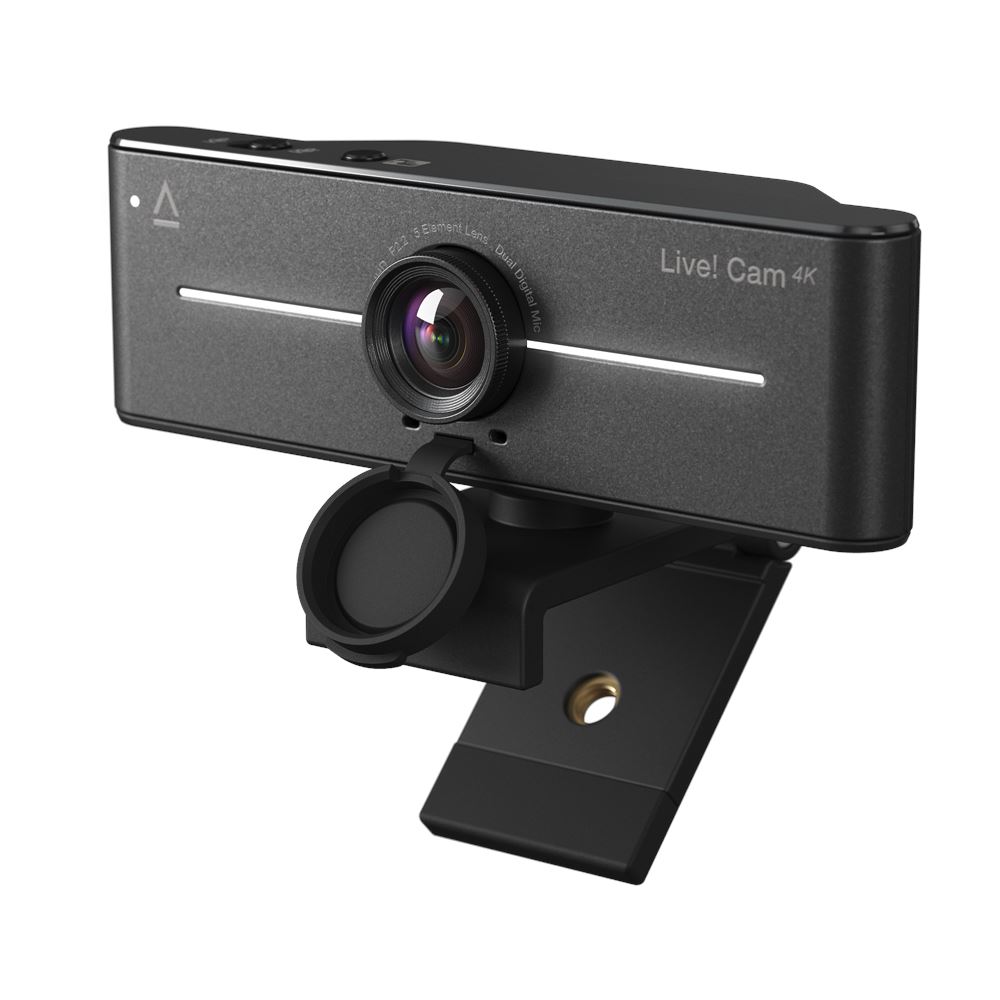
Enjoy remarkably crisp and detailed clarity with Live! Cam 4K. With its plug-and-play design, setup is effortless, so you can focus on what matters.

4K UHD

1080P

Backlight Compensation

95° field-of-view (FOV)

360° horizontal rotation and 30° vertical tilt

Dual built-in mics


Performance

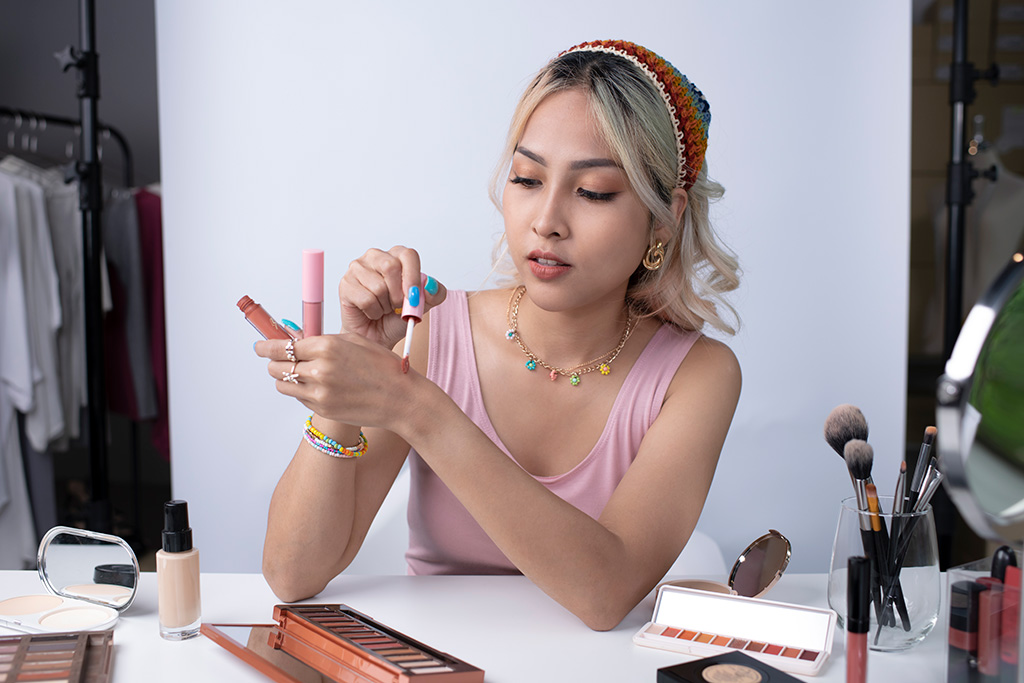

SUPERIOR 4K UHD CLARITY
Equipped with a high-performance imaging sensor, together with 4K UHD* resolution, create top-tier content in stunning video quality anytime, any day.
STUNNING 2K QHD CLARITY
Record in 2K QHD* resolution—whether it's for your content or live stream, the Live! Cam 4K provides you with fluid and sharp-looking visuals that are sure to impress others!
*4K UHD and 2K QHD at 30 fps output quality are available with the use of third-party applications, like OBS. Find out more on how to switch to 4K or 2K video resolution on Live! Cam 4K. For assistance with OBS, please visit the software's website.
IMPRESSIVE 1080P FHD CLARITY
The webcam also captures videos in full HD clarity at 1080p at 60 fps, empowering you to present your best self during all your video calls.
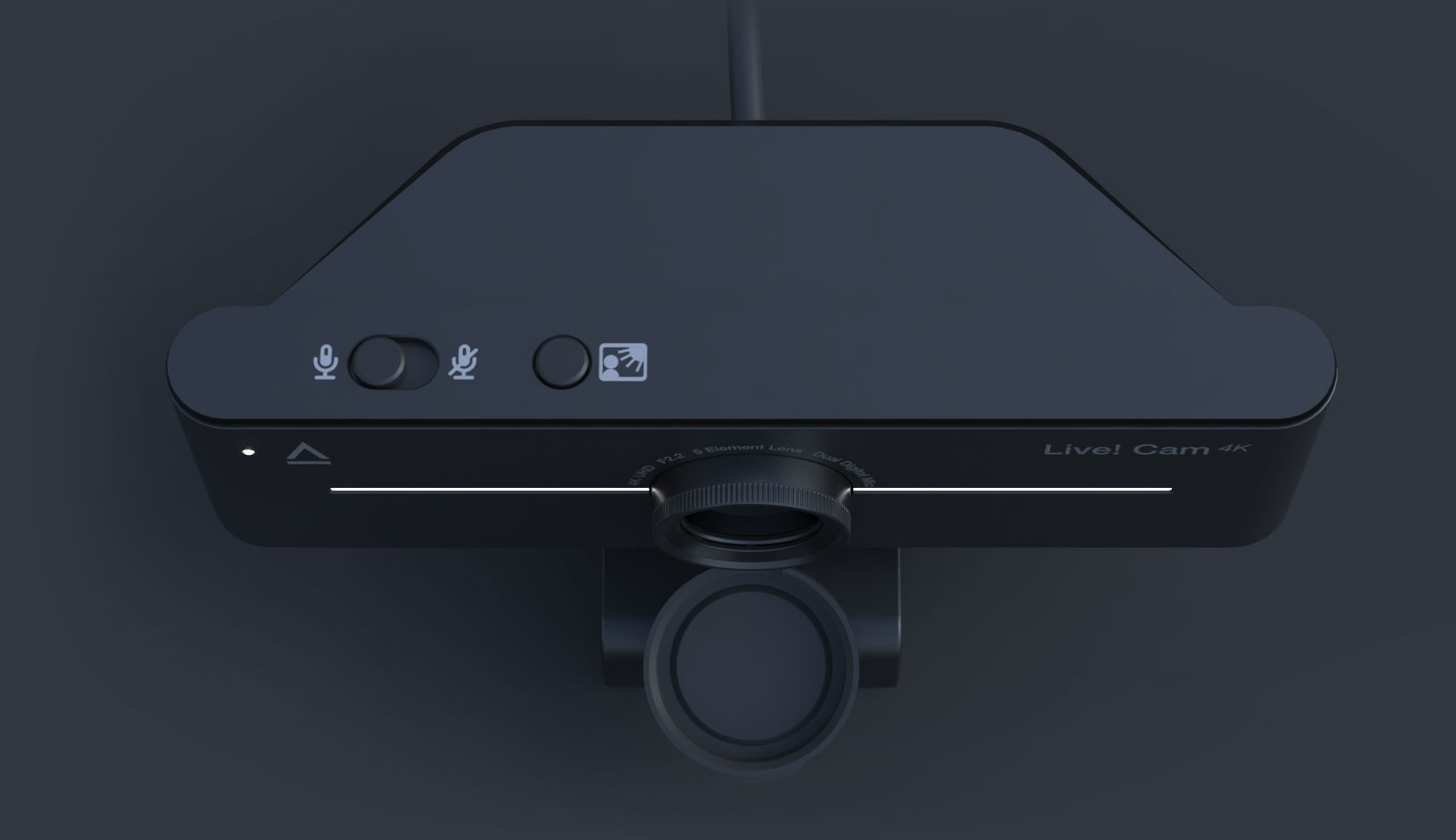
LOOK YOUR BEST IN ANY LIGHTING
Finding the ideal lighting for your videos can often be a challenging task. Featuring the Backlight Compensation (BLC), you can achieve optimal exposure in every video call, regardless of lighting conditions.
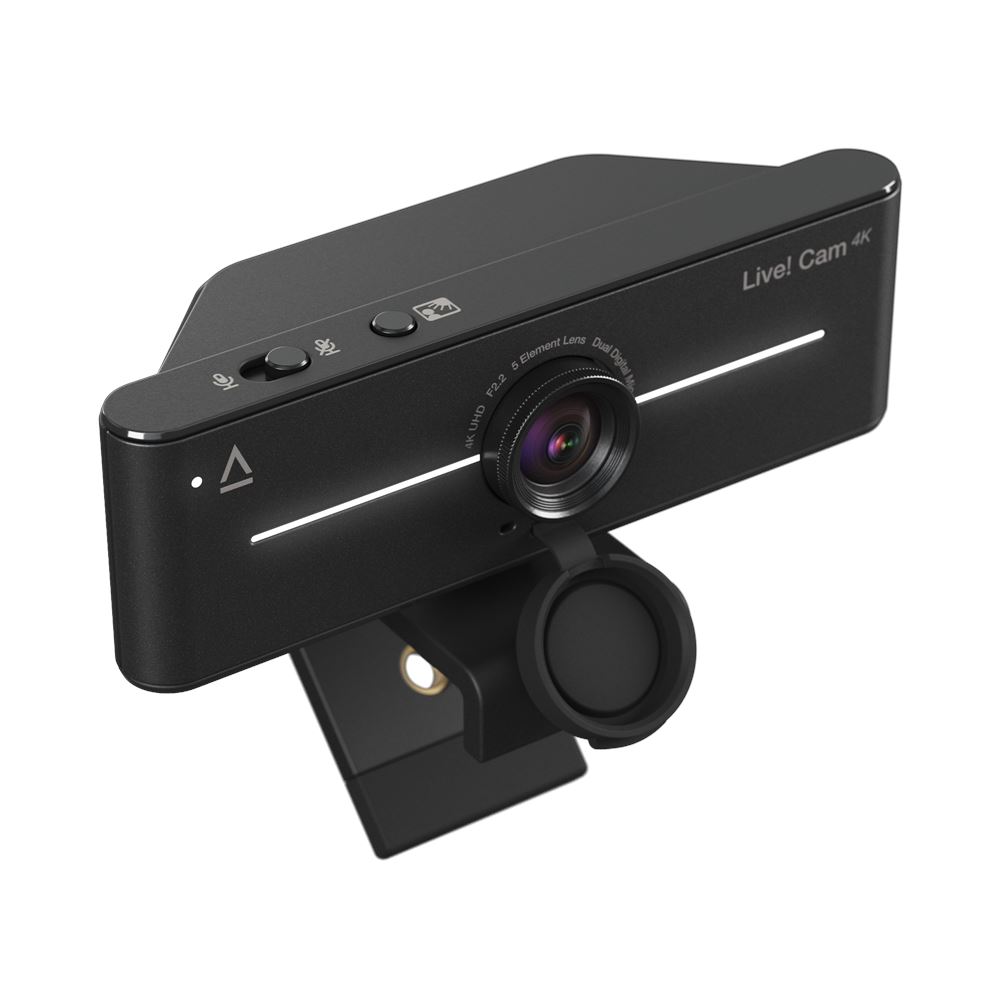
Simply press and hold the BLC button to manually adjust the video backlight compensation. Whether you're in low light or dealing with bright backlit sunbeams, cycle through the incremental BLC settings to always look your best.
Harsh Backlight
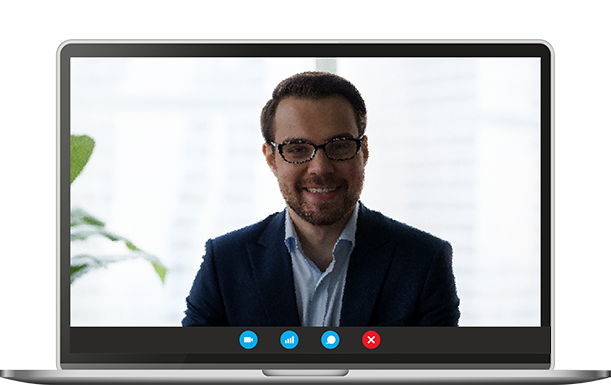
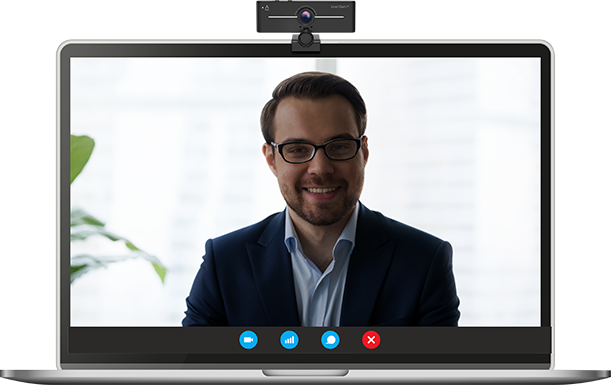
Live! Cam 4K (with BLC disabled)
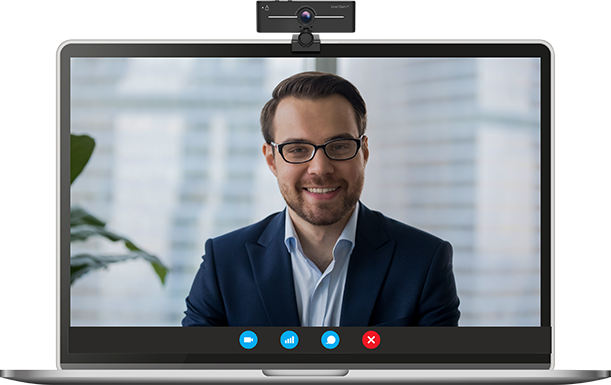
Live! Cam 4K (with BLC enabled)
Dim Lighting
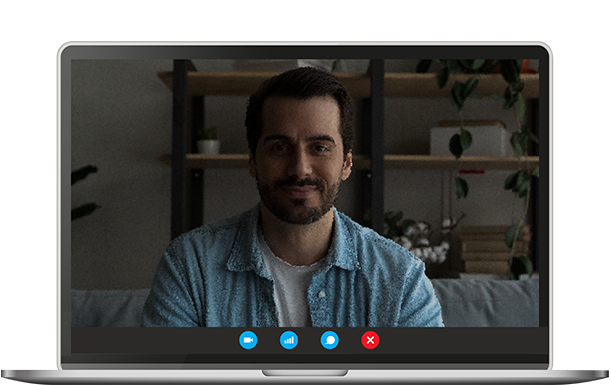
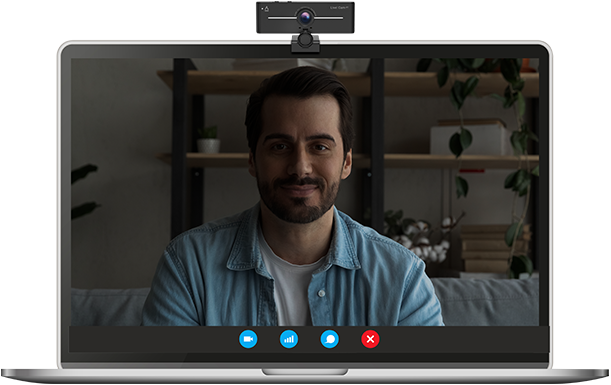
Live! Cam 4K (with BLC disabled)
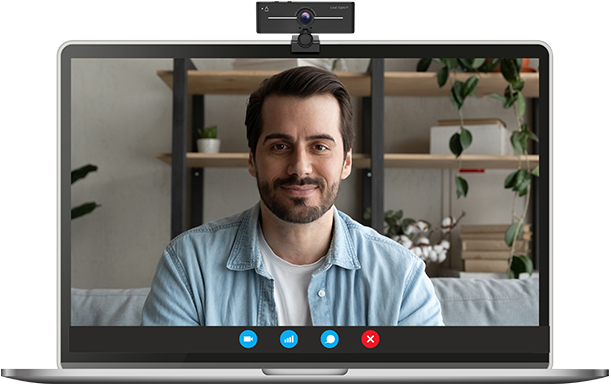
Live! Cam 4K (with BLC enabled)
OUT OF FOCUS?
Say goodbye to blurry images with the ability to manually adjust focus—simply turn the focus ring to stay in focus at all times.
OR, WOULD YOU PREFER SOME PRIVACY?
Snap-on the privacy lens cover and you got it.
Connectivity
BE READY IN A SNAP
Effortlessly setup the Live! Cam 4K. This UVC-compliant webcam allows you to dive right into your virtual meetings or start streaming effortlessly, in no time.
Plus, it works with most popular streaming applications and video conferencing platforms, making it ideal for work and live streaming.

Communication
DUAL MICROPHONES, DOUBLE THE CLARITY
Featuring built-in dual digital microphones, be heard loud and clear during your calls without having to lean in closer or strain your voice. Plus, with the convenient mute and unmute slider switch, you can now jump right into and out of your conversation with ease.

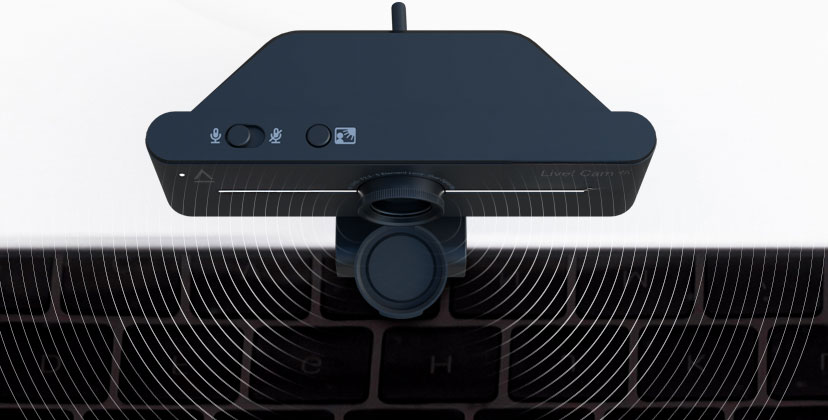
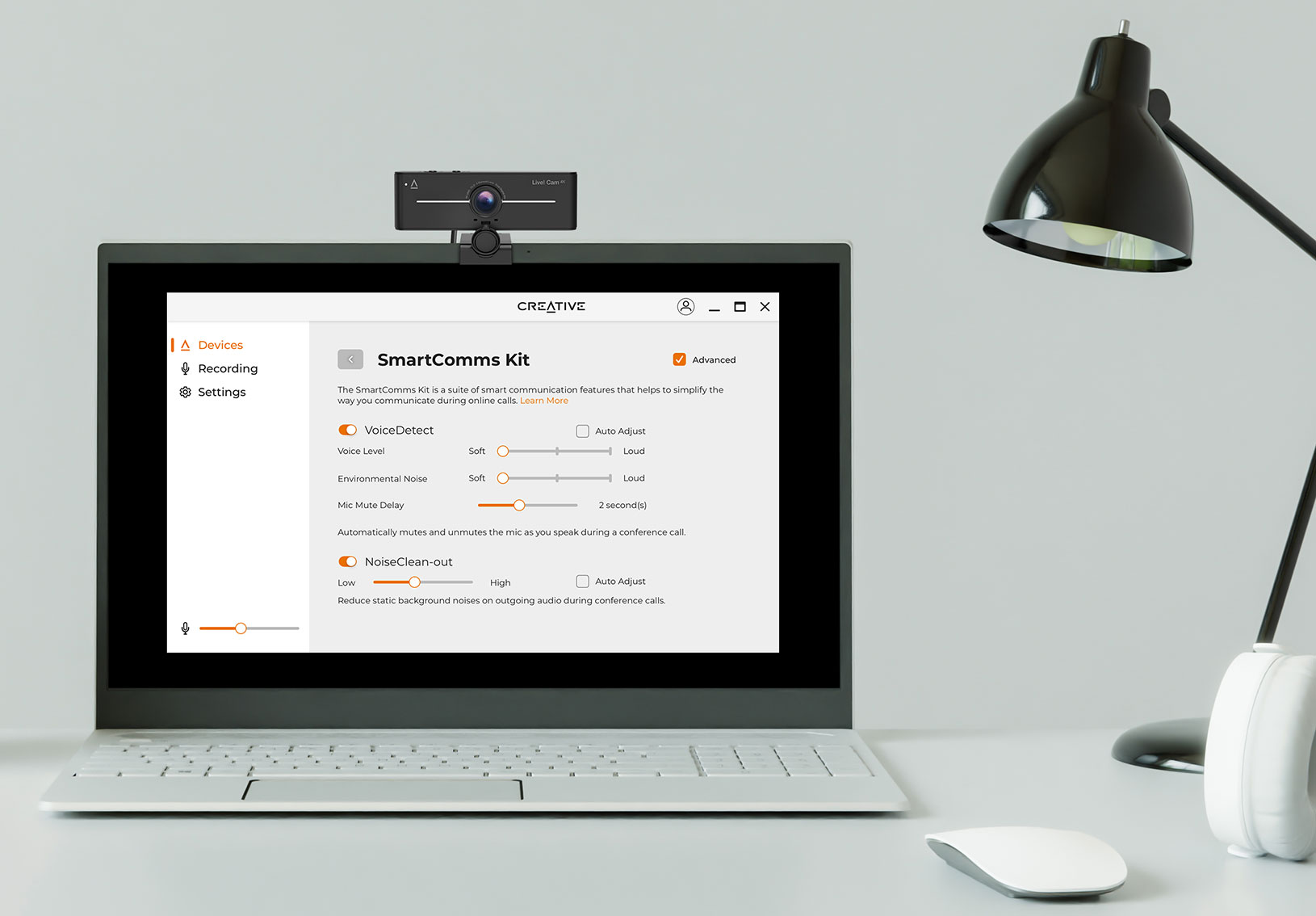
WITH SMARTER COMMUNICATIONS
Skip the fuss over microphones settings and controls, and avoid getting distracted when you're in a conference call or a live stream session. With SmartComms Kit, available via Creative app, the suite of smart communication features is designed to help you speak and converse with ease.

VoiceDetect
Say farewell to muted mishaps with the help of VoiceDetect. A feature designed to intelligently pick up your voice when you speak and cut off when you're done so you can free up your hands and mind for other important tasks.

NoiseClean-out
Sometimes, it's us. NoiseClean-out removes unwanted background noise from YOUR side of the call so others can hear you clearly. Your background noise will be suppressed, delivering only your voice to the other end.
Design
ENJOY OPTIMAL FRAMING
Expand your shot and never miss a detail again—the wide-angle lens of 95° field-of-view lets you capture more people and surroundings in your frame.
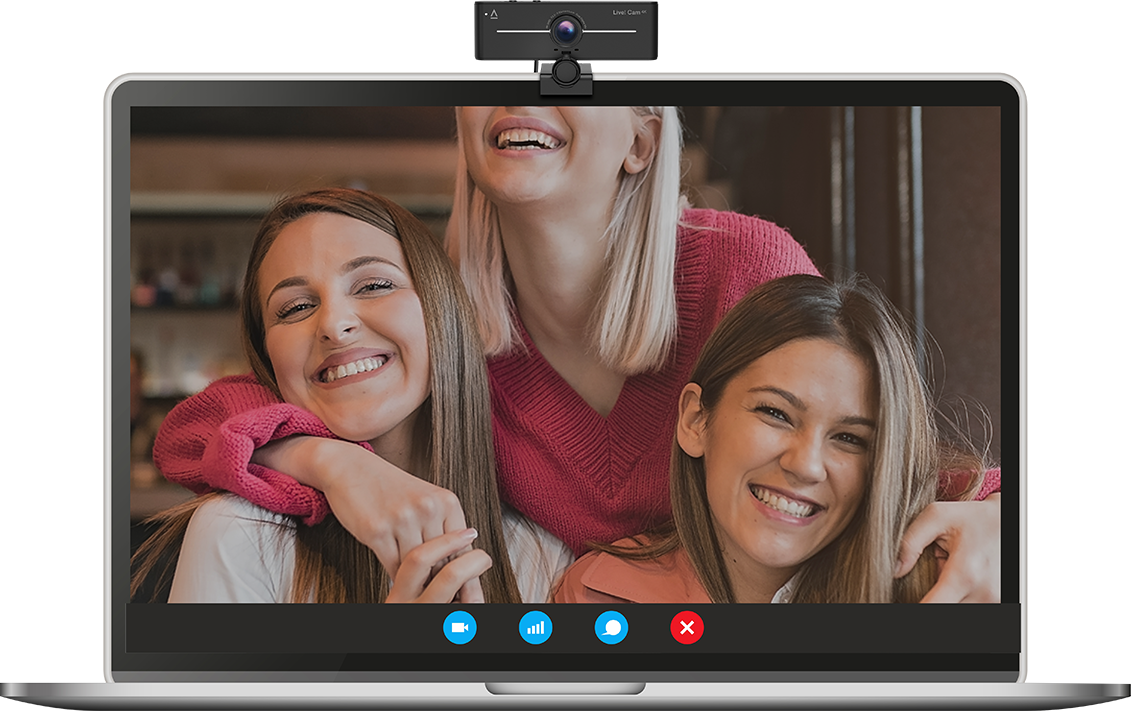
AND THE PERFECT ANGLE
Coupled with a universal mounting clip to place on a PC, desktop monitor, or even attached to a tripod, the Live! Cam 4K offers versatility in placement.
Together with its fully adjustable 360° horizontal rotation and 30° tilt flexibility, achieve the ideal shot and look your best at all times.
Downloads

Creative app
Access the SmartComms Kit's suite of smart communication features, configure Recording and other settings, and more in-app.
WINDOWS DOWNLOAD >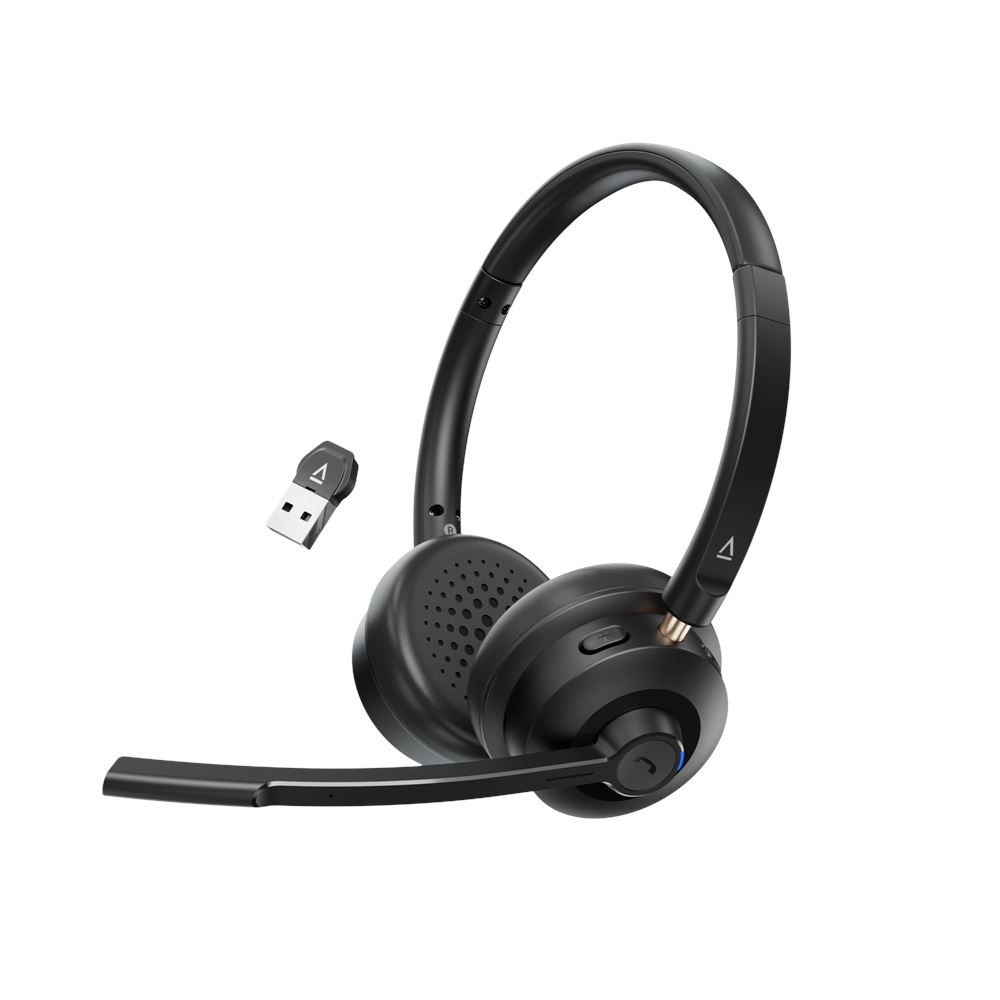
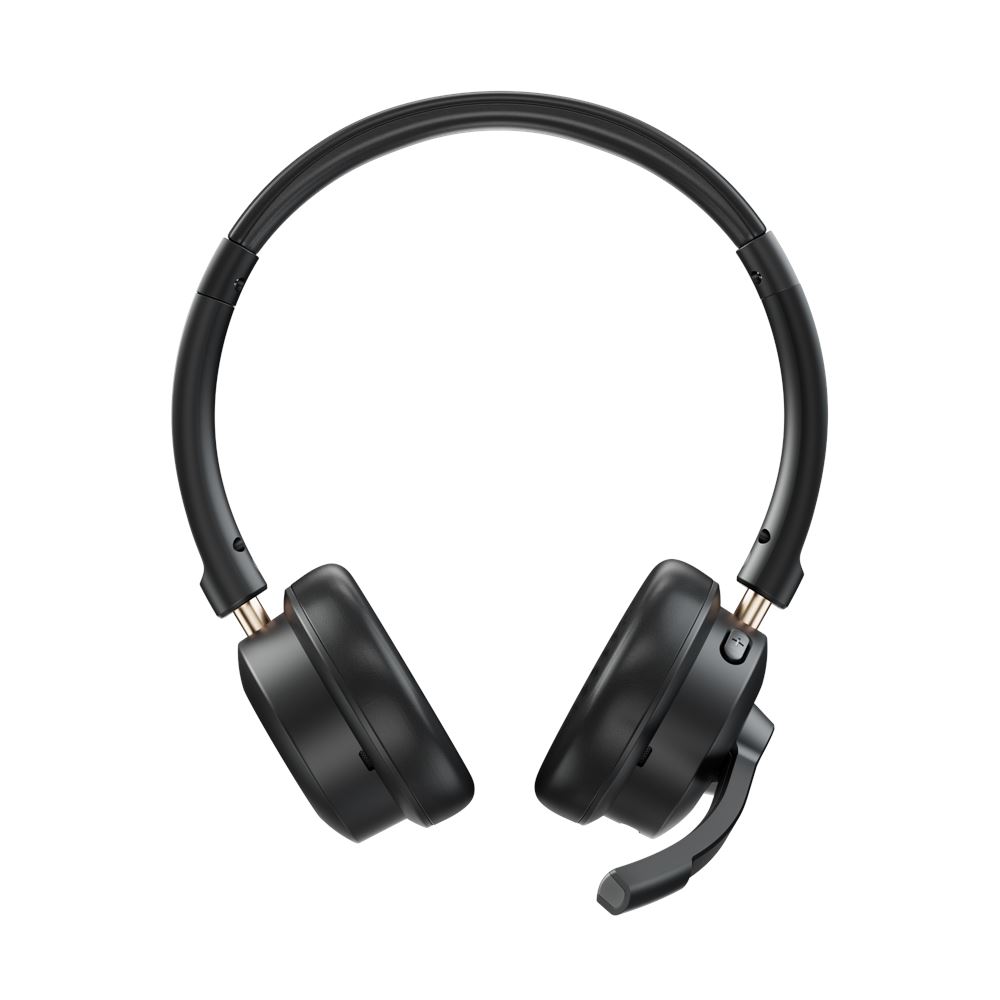
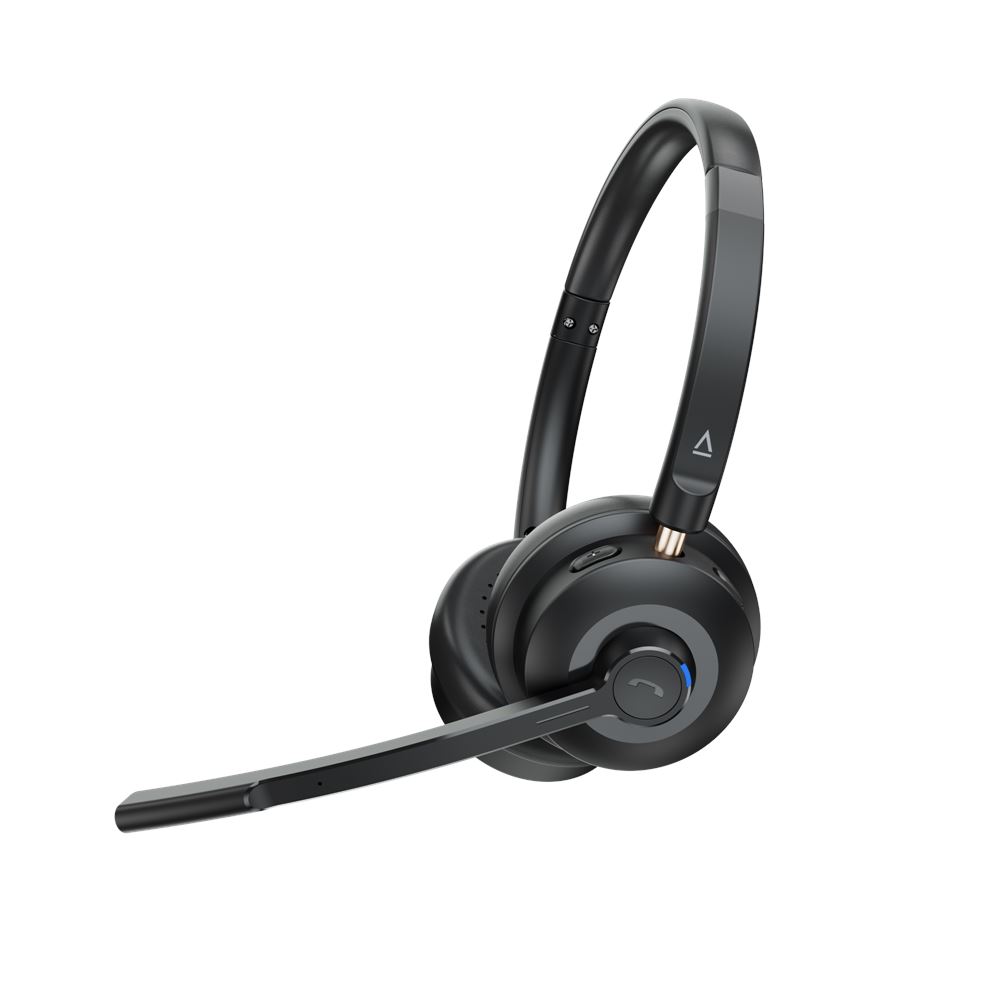
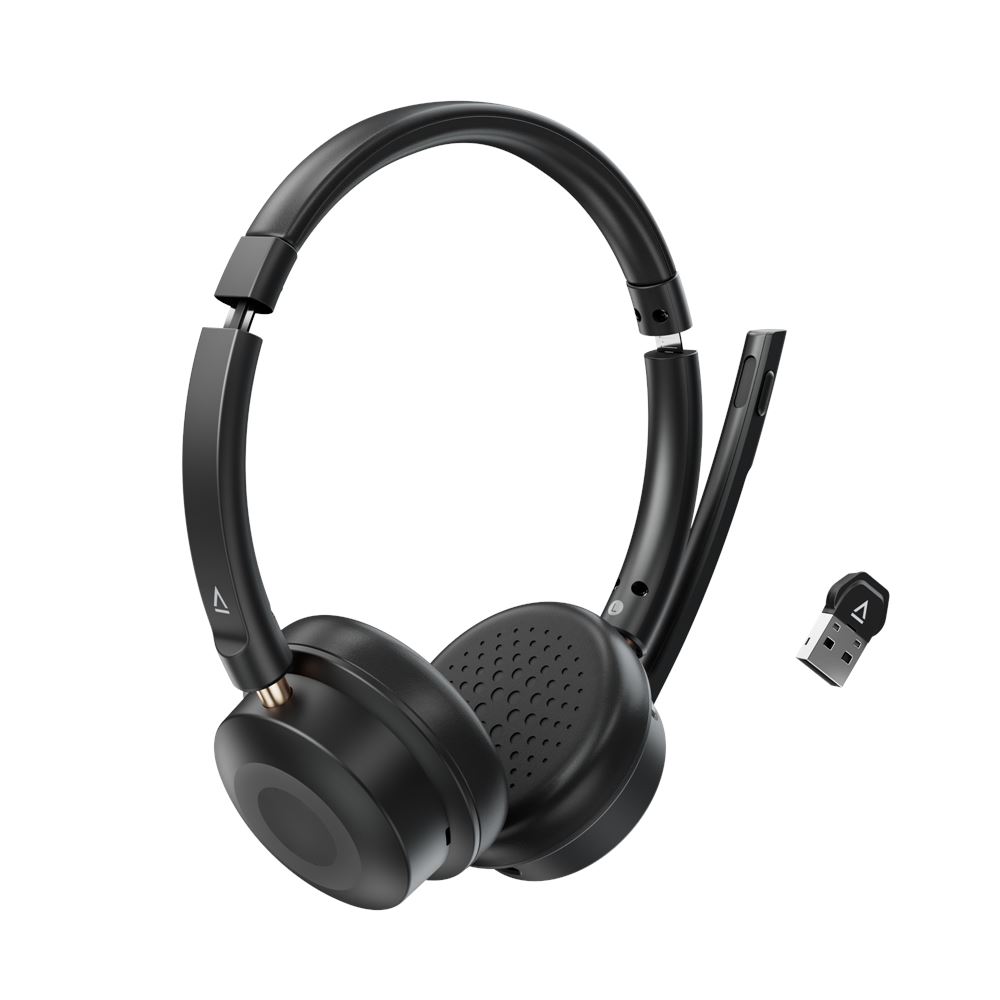
Chat Wireless
Lightweight Wireless On-ear Headset
Built for work and everyday use, the Chat Wireless is your go-to headset for clear calls and all-day comfort.

Bluetooth 5.4

30 mm drivers

Lightweight

Mic

SmartComms Kit

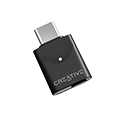
Wireless Dongle

All-Day Wireless Freedom
Experience wireless freedom during meetings and calls, with up to 55 hours of battery life via Bluetooth and up to 33 hours with the wireless dongle — keeping you productive and connected all day.
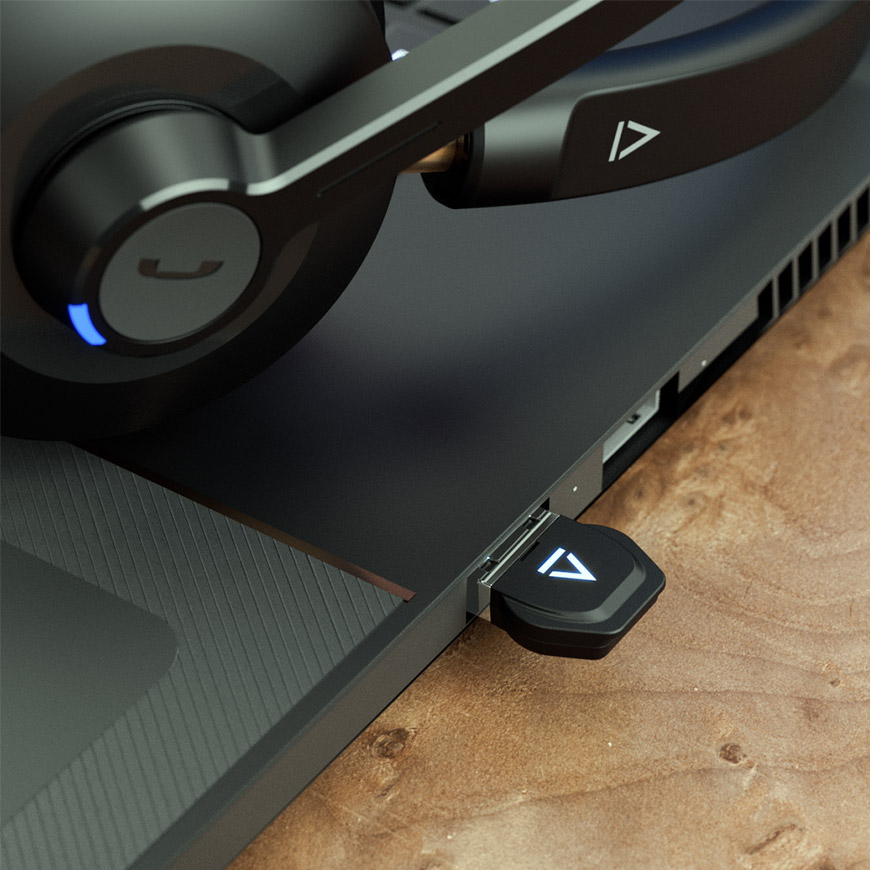
Instantly connect to your PC or Mac via the wireless dongle — just plug and play, no setup required.
*The wireless dongle is only compatible with the Creative Chat Wireless headset.
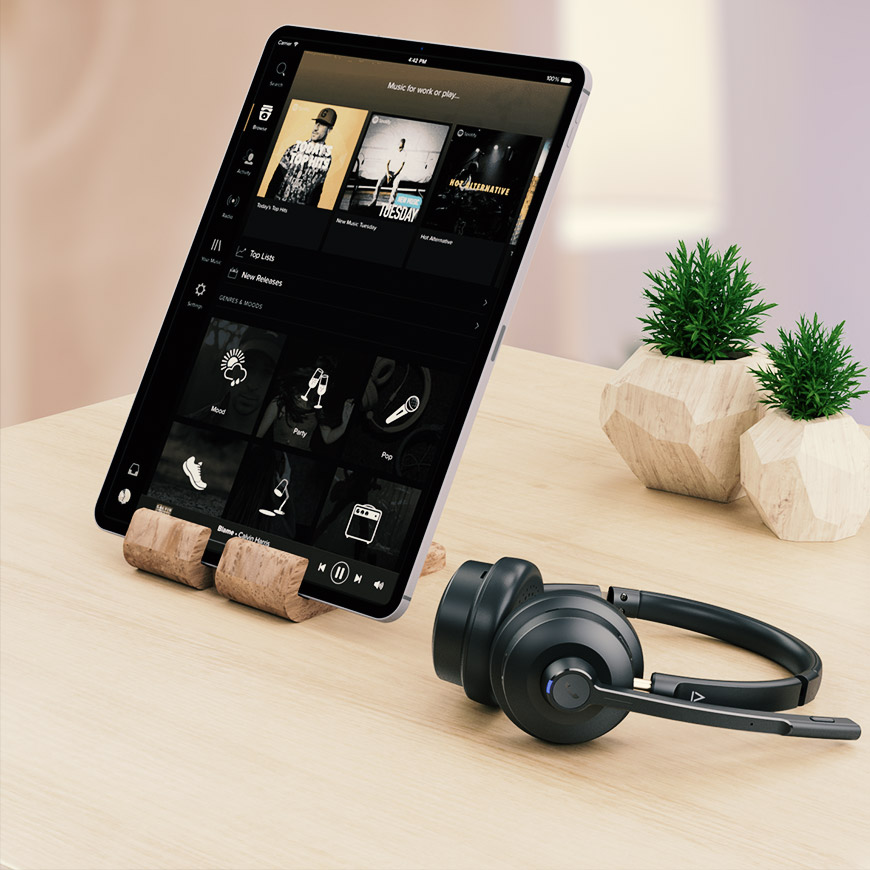
For on-the-go flexibility, switch to Bluetooth 5.4 and connect to your phone or tablet.
Crystal-Clear Calls, Anywhere
Enjoy smooth, uninterrupted conversations with a noise-cancelling boom mic that picks up your voice with precision.


Clear Audio Performance
Hear it all — loud, clear, and naturally balanced. The 30mm Neodymium drivers inside the Chat Wireless headset deliver powerful audio with punchy bass and a natural soundstage.
All-Day Wear, Effortless Fit
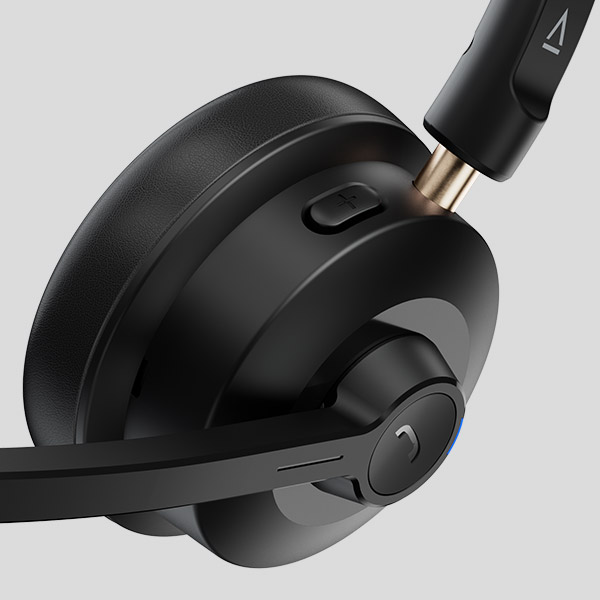
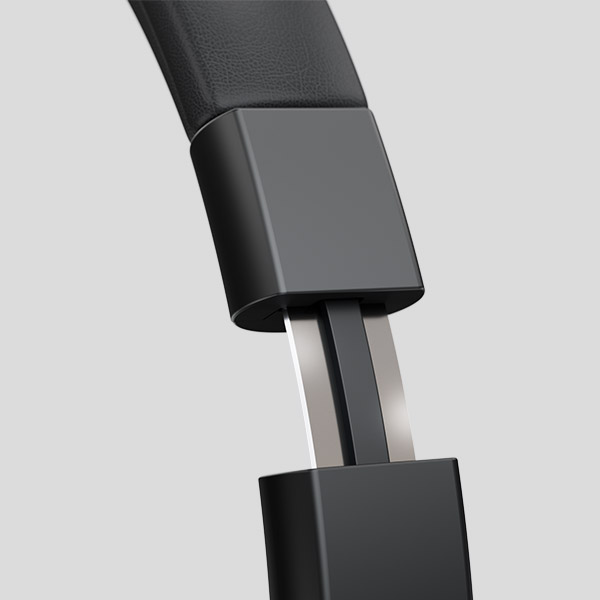
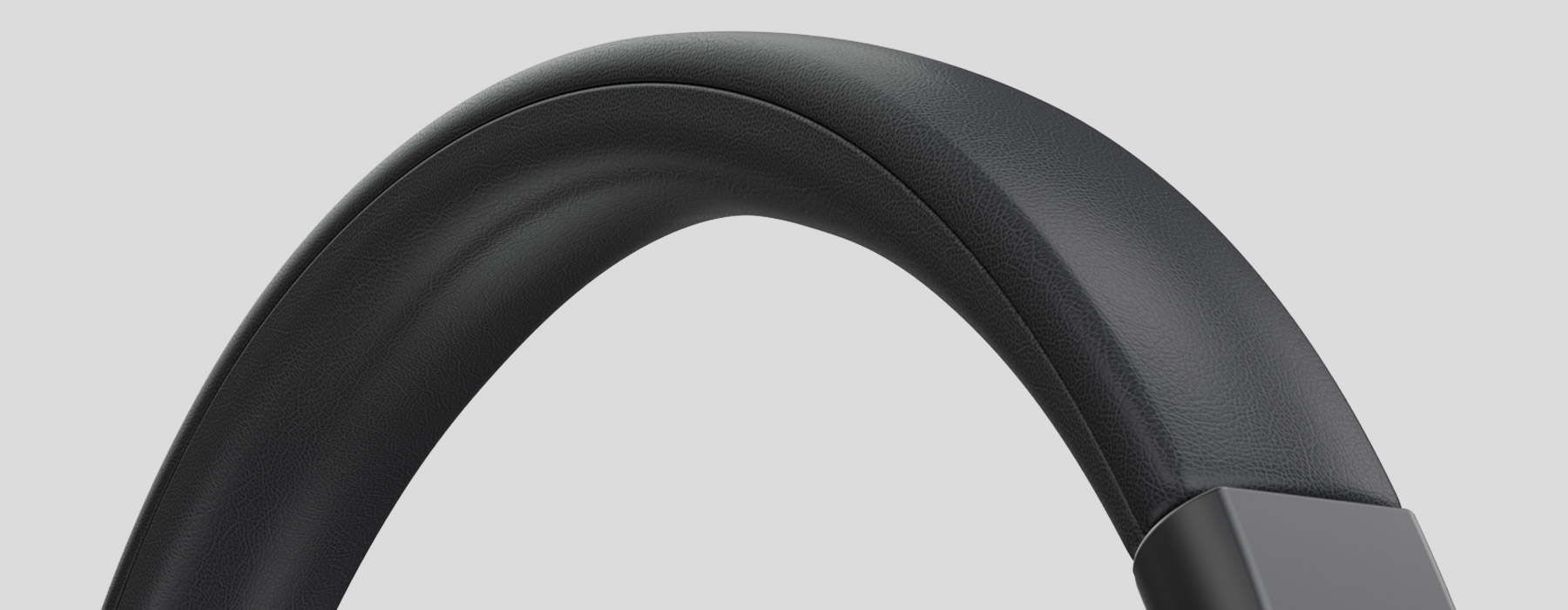
Thoughtfully designed for long sessions, the lightweight headset features an ultra-light frame and soft ear cushions for a comfortable fit.

Flexible Mic, Easy Control
Easily manage calls and music with on-ear controls — play, pause, adjust volume, or mute your mic without reaching for your device. The 270° swivel mic also works on either side for a flexible, comfortable fit.
A Closer Look
Package Contents
- Creative Live! Cam 4K
- 1 x Creative Live! Cam 4K
- 1 x Quick Start Guide
- Creative Chat Wireless
- 1 x Creative Chat Wireless
- 1 x USB Wireless Dongle
- 1 x USB Cable
- 1 x Quick Start Guide